Live on RightAgent
Hot in Coding: Repl.it
No pay-to-play rankings
Builder Map is live

Captions

Captions is an AI video editor that automatically edits uploaded footage into re

Content CreationFreemiumVerified Oct 15, 2026No reviews yet· write a review3 views

Scouted from Hartford by @riyanegi

Builder not on RightAgent yet

View on the Builder Map
Try Captions

About this agent

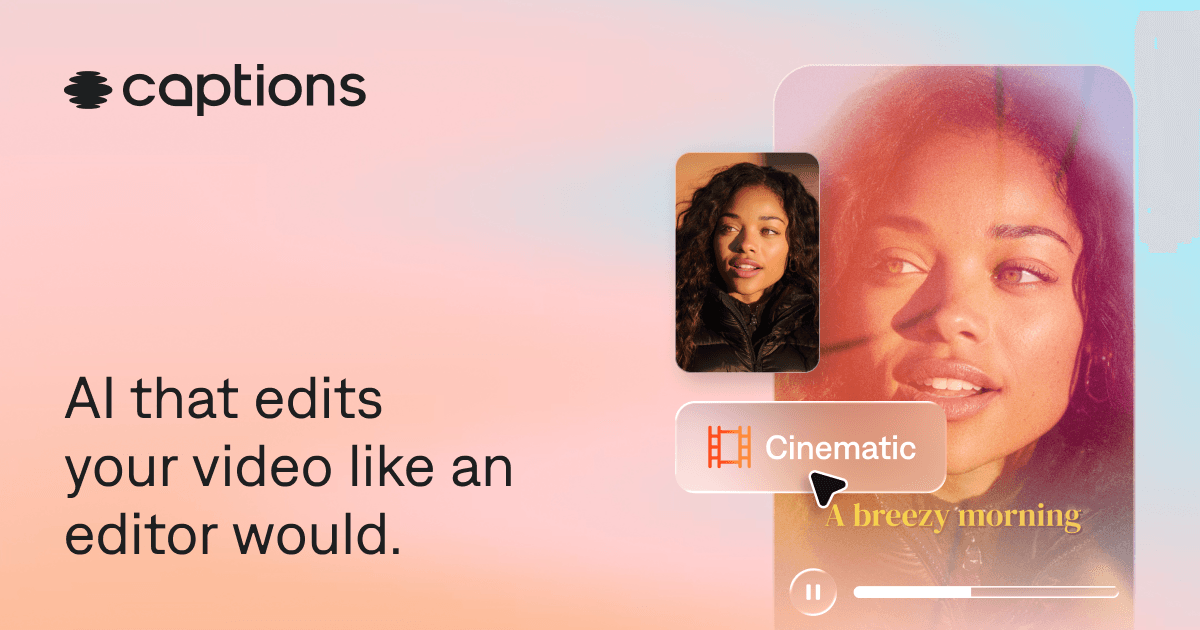
Captions is an AI‑powered video editor that lets users upload raw footage and receive a fully edited, share‑ready video with automatic captions, translations, and optional AI avatars.

The app offers AI editing that selects scenes, adds B‑roll, and applies one of 100+ caption styles, while features like eye‑contact correction and denoise clean up the final cut. Users can generate royalty‑free music, trim pauses, and prompt changes through a chat‑based interface. Captions supports more than 100 languages for subtitles and is available on both the App Store and Google Play, serving a reported 20 million users.

While the core functionality is free, a subscription unlocks the full suite of professional tools, including advanced avatar customization and premium style libraries. The service targets content creators, marketers, freelancers, and small teams needing quick social videos, ads, tutorials, or podcast clips without prior editing expertise.

What it does

  • AI editingTransforms uploaded footage into a fully edited video with cuts, B‑roll, transitions and music
  • Automatic captionsGenerates auto‑captions with stylized fonts
  • TranslationTranslates and subtitles videos in 100+ languages
  • AI avatarsCreates digital twins or avatars that can be customized via prompts
  • Eye‑contact correctionAutomatically fixes inconsistent eye contact and awkward glances
  • DenoiseRemoves unwanted background noise in seconds

Who it's for

Content creators, marketers, freelancers and small teams who need to produce social videos, ads, tutorials, podcast clips or product assets quickly without editing expertise

  • Solo developer
  • Freelancer
  • Small team
  • Agency

How people use it

  1. Create short‑form social media videos
  2. Produce video ads for campaigns
  3. Generate tutorial clips from raw footage
  4. Edit podcast excerpts into shareable videos
  5. Make promotional product videos
Why it was built
We’re closing that gap, working toward a world where the distance between idea and video is zero. Our team is reimagining the future of video, so creators and businesses move at the speed of their ideas.

Pricing

  • Free

    $0/mo

    60-200 lifetime credits

    Try the basics with a small bundle of credits.

    • One template (Eclipse)
    • Core tools: captions, trim, zoom, sounds and voiceover
    • Exports without a watermark
  • Lite

    $4.99/mo

    Android only

    Manual editing tools on Android.

    • Import and translate captions
    • AI Eye Contact and denoise
    • Works on Android only
  • Basic

    $9.99/mo

    200 credits a month

    The main plan for creators (formerly Pro).

    • 200 credits that renew monthly
    • Script generator and teleprompter
    • Caption and dub
    • AI Eye Contact, denoise, zoom and voiceover
  • Max

    $24.99/mo

    500 credits a month

    Adds chat editing and AI actors.

    • 500 credits that renew monthly
    • Chat to Edit and AI Edit
    • Clips and Mirage-generated actors
    • Up to 30 AI Twins
  • Frontier

    $69.99/mo

    1,400 credits a month

    For heavy use (formerly Scale).

    • 1,400 credits that renew monthly
    • 3X AI usage and faster generations
    • Add-ons for 2,800 or 5,600 credits

FAQs

There is a free plan with 60-200 lifetime credits, one template and core editing tools, and exports have no watermark. Paid plans start at $4.99 a month for Lite (Android only), then Basic at $9.99, Max at $24.99 and Frontier at $69.99 a month. Yearly billing gets an automatic discount.

Reviews and ratings

–
0 reviews
5
0
4
0
3
0
2
0
1
0
Your rating

Ratings come only from reviews. Upvotes are counted separately.

No reviews yet. Be the first to say how it went.

Comments (0)

Start the conversation

Ask a question or share a tip about Captions.

Log in to comment